Complete Paper Template Usage Guide
SheetEdit Tools offers a variety of free printable paper templates, including lined, grid, dot grid, Tianzi grid, staff paper, Cornell notes, and more for notes, journals, calligraphy, and meeting records. This guide explains how to choose, use, and print these templates for the best experience.
What are printable paper templates?
Printable paper templates are pre-drawn page layouts (lines, grids, dots, staves, Cornell regions, etc.) delivered as PDF or high-resolution images. You print them on your own paper to get a consistent structure for writing, drawing, or music—without buying specialty notebooks. SheetEdit focuses on common academic and office formats so you can match size (A4, A5, Letter, etc.) to your region and printer.
Template types and use cases
Lined paper
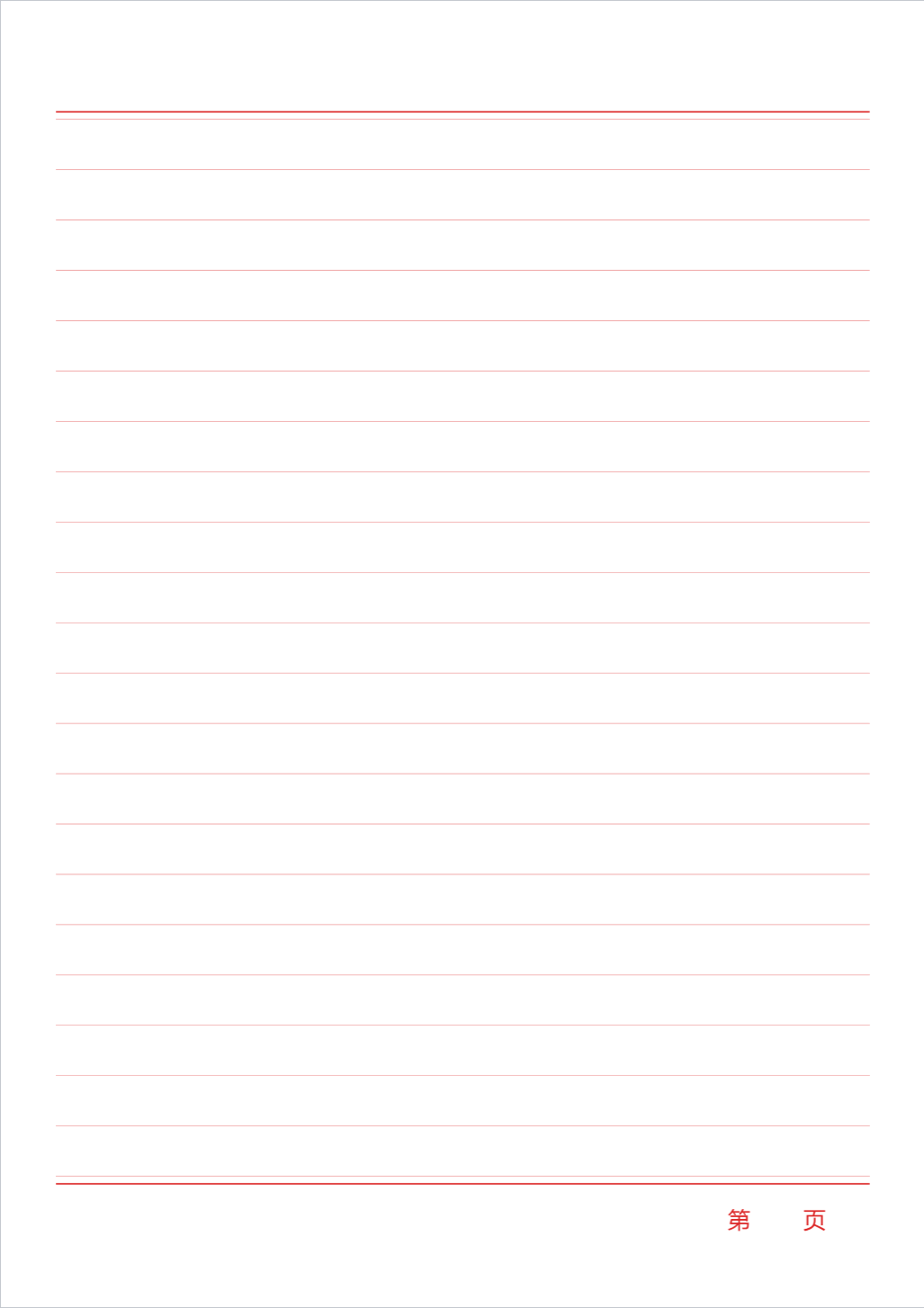
Lined paper is the most common format for note-taking, suitable for daily writing, class notes, and meeting minutes. Line spacing is typically 7–8mm for neat handwriting. Choose tighter spacing for compact notes or wider spacing for larger script.
Use cases: Student notes, work memos, journals, letter drafts.
Grid paper
Grid paper features evenly spaced horizontal and vertical lines, ideal for alignment and drawing. Math work, engineering sketches, tables, and pixel art work well on grid paper. Common sizes include 5mm×5mm and 10mm×10mm.
Use cases: Math homework, engineering drawings, table design, journal layout, game maps.
Dot grid
Dot grid replaces lines with dots for a cleaner look while keeping alignment cues. Popular with Bullet Journal users for free-form layout, to-do lists, and habit tracking.
Use cases: Bullet Journal, scheduling, to-do lists, journals, mind maps.
Cornell notes
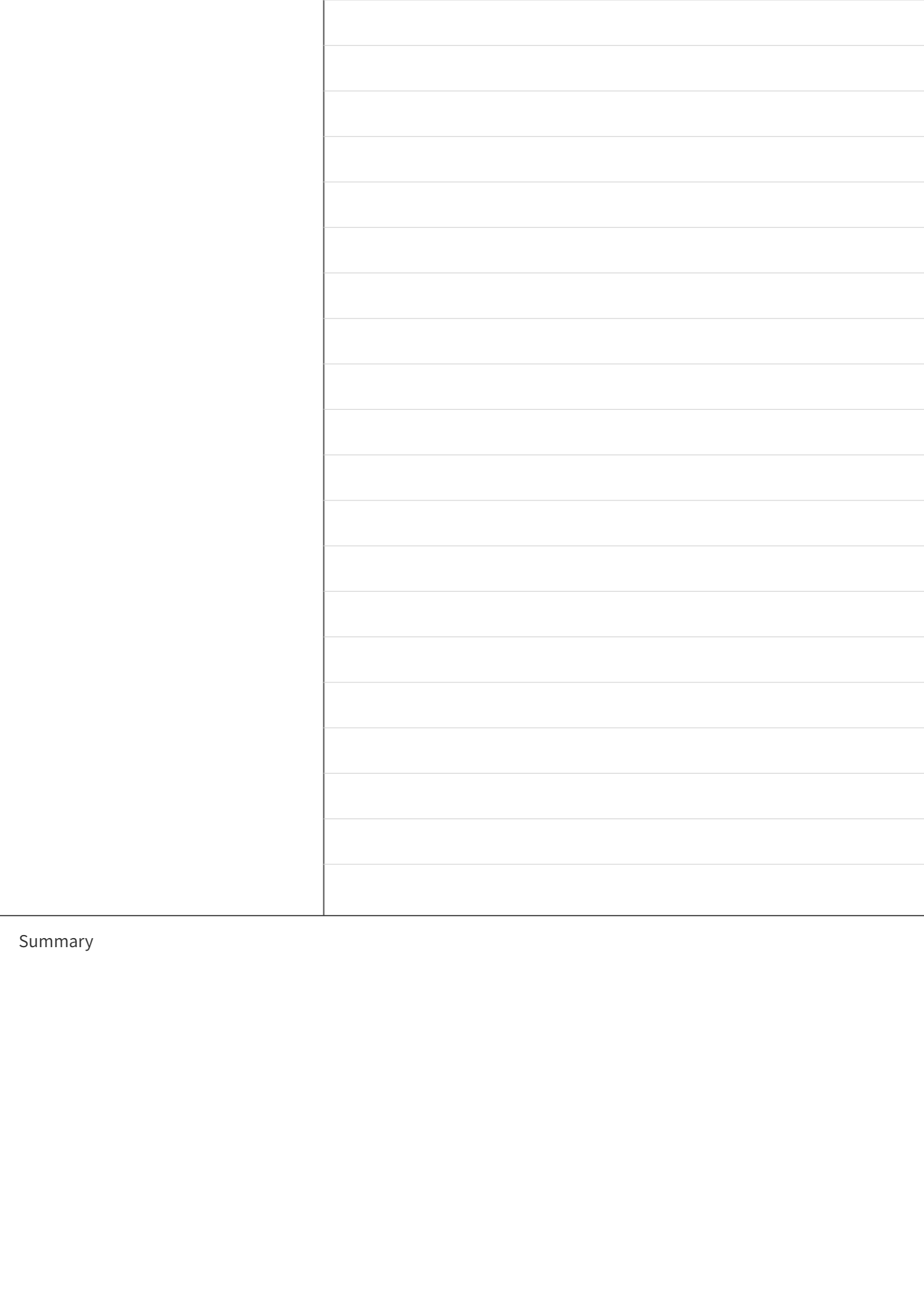
The Cornell method divides the page into three areas: main notes (right), cues (left), and summary (bottom). This structure supports review and knowledge extraction, ideal for study, training, and reading notes.
Use cases: Class notes, reading notes, training records, knowledge organization.
Tianzi and Mizi grid
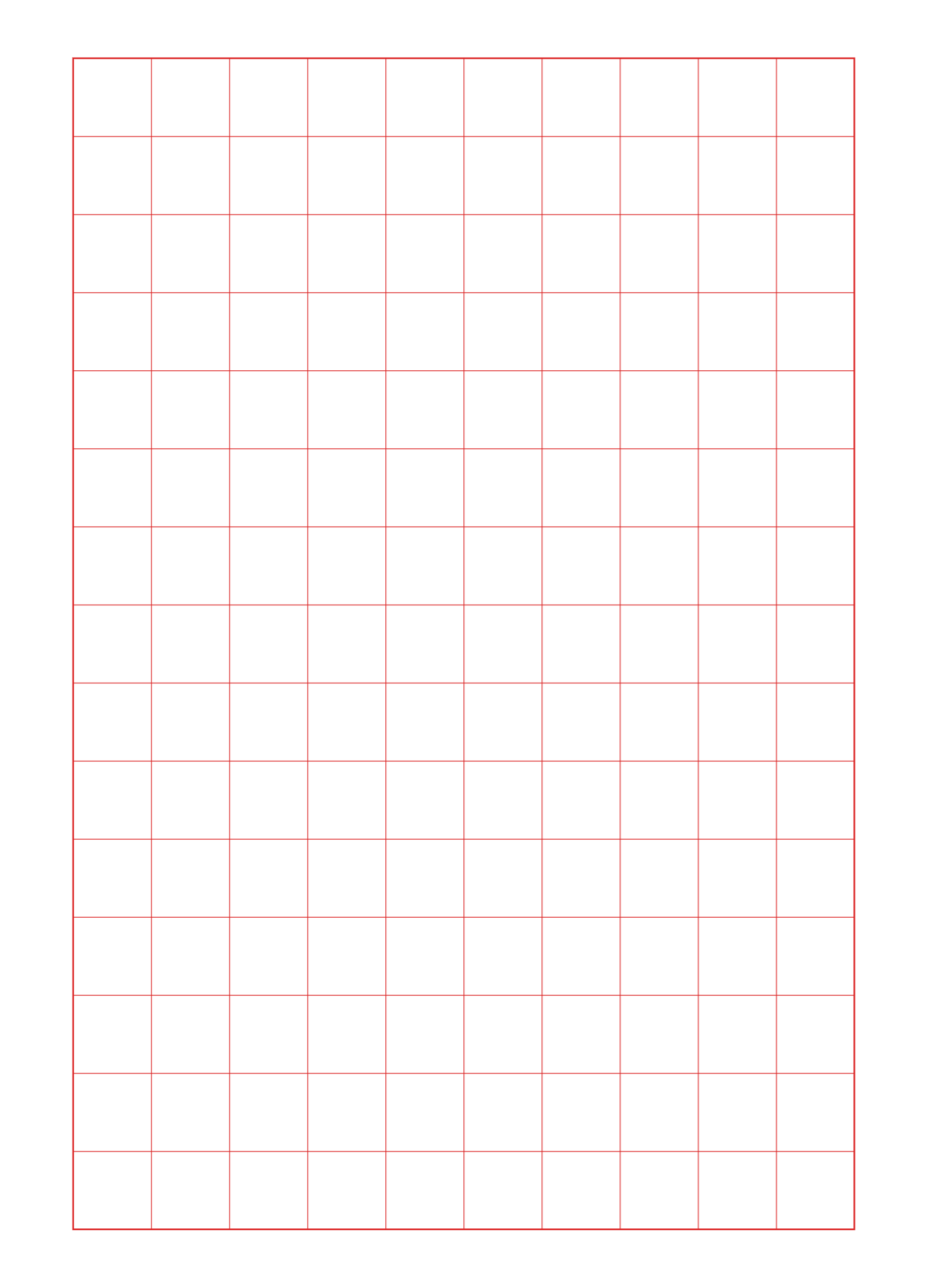
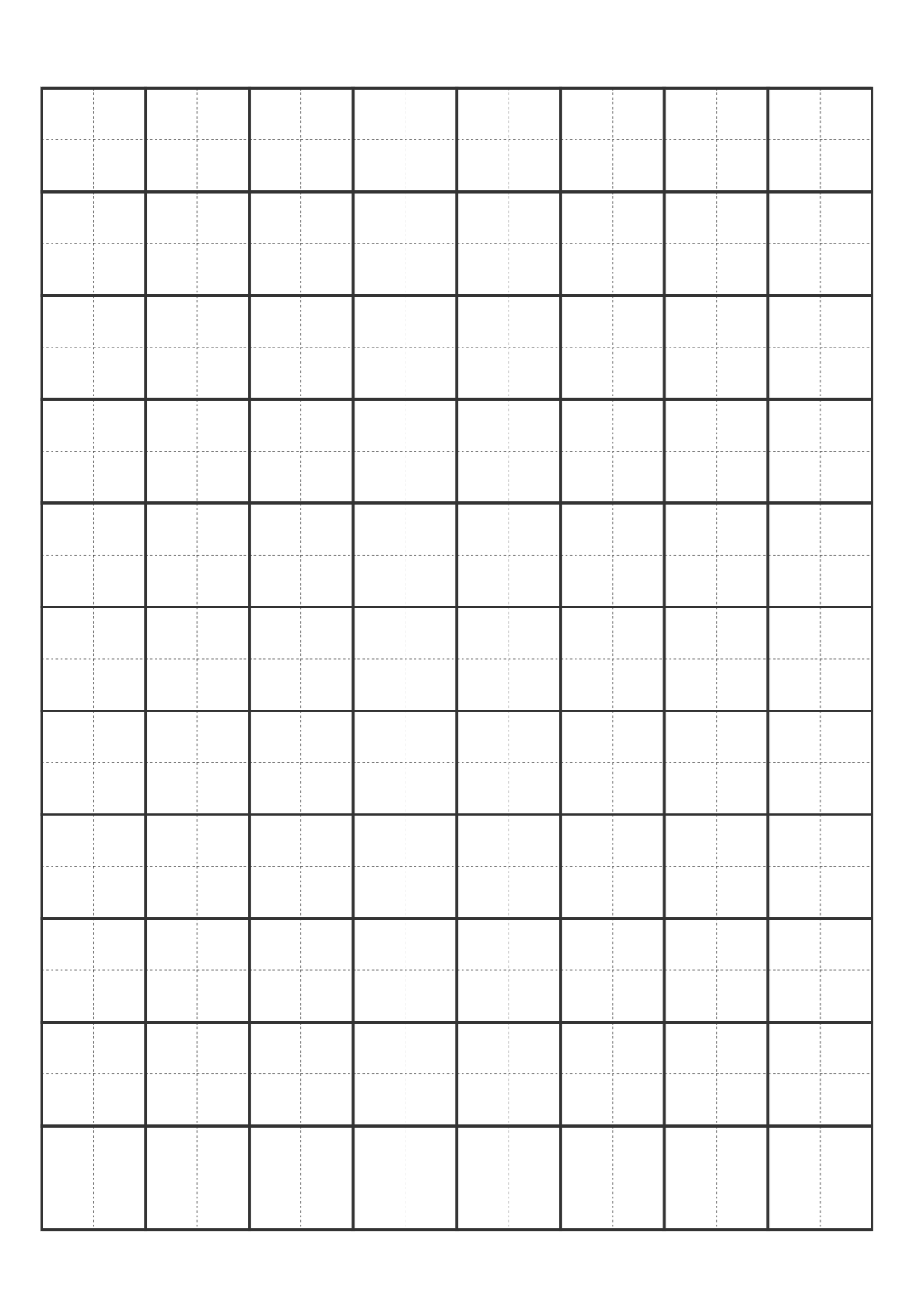
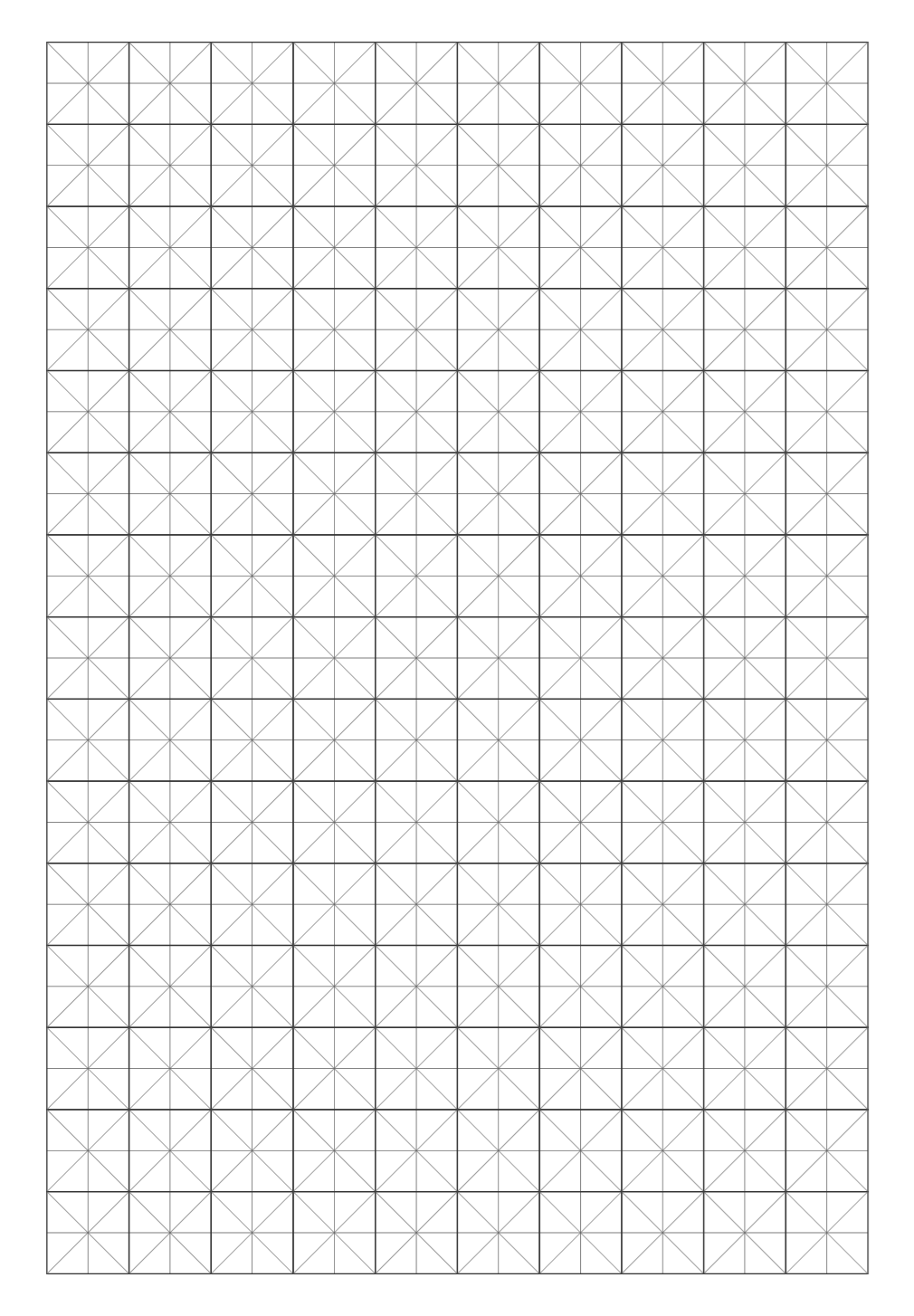
Tianzi and Mizi grids are designed for Chinese character practice. Tianzi provides four quadrants; Mizi adds diagonals for stroke direction and proportion. Suitable for calligraphy and children’s handwriting practice.
Use cases: Calligraphy practice, children’s handwriting, Chinese character teaching.
Staff paper
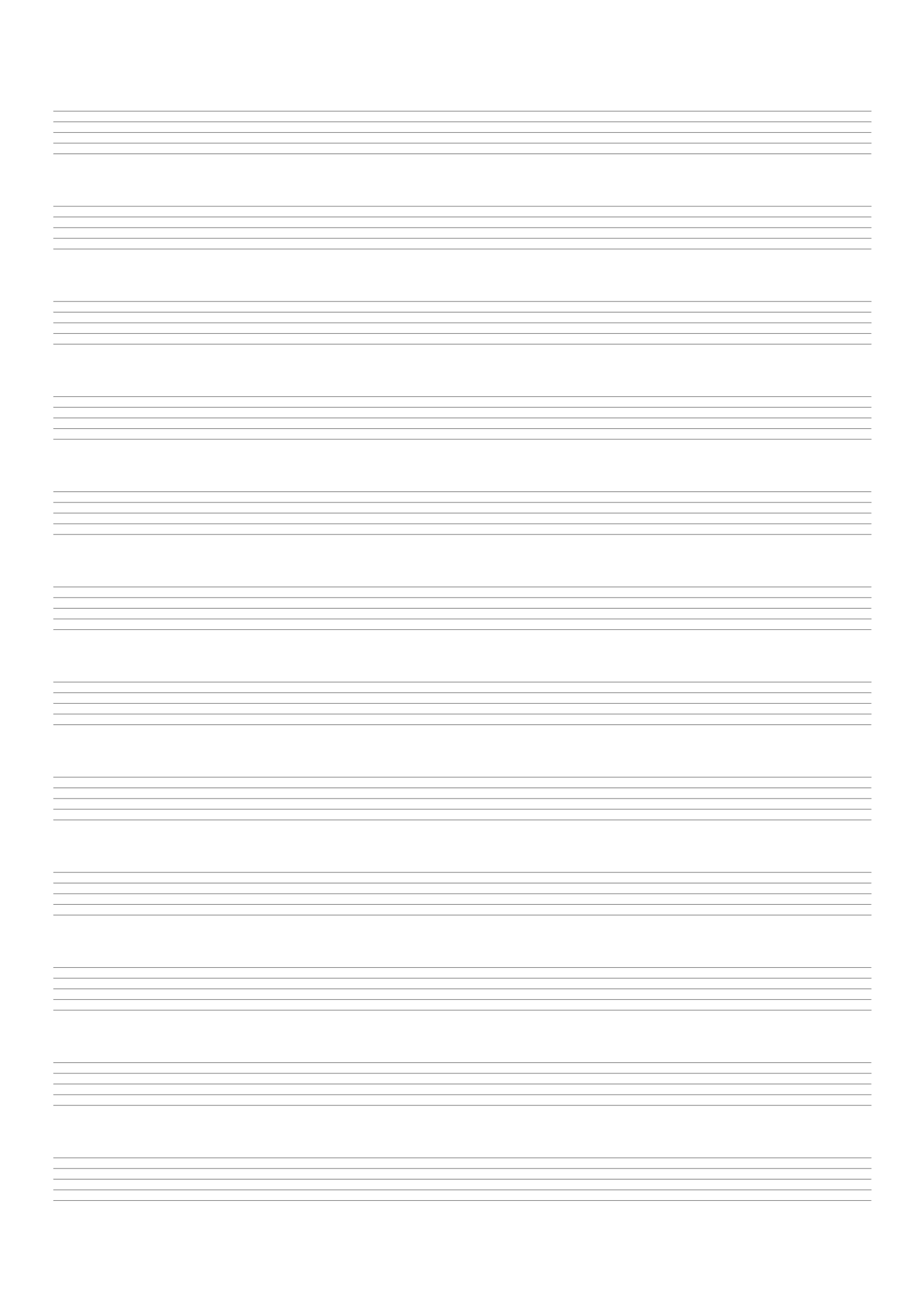
Staff paper is for music notation, suitable for composing, copying scores, and music theory practice. Choose different line counts as needed.
Use cases: Composing, score copying, music theory, music teaching.
How to choose a template
Filter on the home page by:
- Paper size: A4, A5, 16K, Letter, etc. A4 suits full-page printing; A5 is portable; Letter is common in North America.
- Purpose: Notes, journal, calligraphy, music—quickly find the right type.
- Style: Lined, grid, dot, Cornell, Tianzi—match your writing style.
Click any template to open the preview and download.
Preview and download
On the preview page you can:
- Live preview: View the template in the browser and switch paper sizes.
- Export PNG: Export as a high-resolution image for documents or editing.
- Export PDF: Export as PDF for printing and sharing.
- Print directly: Use the browser’s print function and select your printer.
Print quality: Use 300 DPI when exporting or printing for clear, sharp lines.
Print settings
When using A4 or Letter:
- Select the correct paper size (A4, Letter, etc.) in your printer settings.
- Turn off “fit to page” or “scale to fit” options.
- Set scale to 100% or “actual size” to preserve template proportions.
Incorrect scaling can make lines too dense or too sparse.
Frequently asked questions
Q: Can I use these commercially?
A: Templates are free for personal and non-commercial use. Check the license for commercial use.
Q: Can I print double-sided?
A: Yes. Align front and back when printing double-sided; test with a few pages first.
Q: Can I customize line color or spacing?
A: Current templates use preset styles. For customization, export as PNG and edit in image software.
For more printing tips, see the Print Tips guide.
Browse more guides and tutorials at the Article Index.